CRM for Contractors: Manage Jobs Efficiently
Home Services, CRM for Contractors, Job Tracking Software
How Contractors Use CRM to Manage Dozens of Active Jobs Without Dropping Balls
Running 10–50+ active jobs at a time is a sign your home service business is growing — but it also means more moving parts, more people to coordinate, and more chances for important details to fall through the cracks. Modern CRM for contractors gives you a central command center to organize leads, track every job from estimate to invoice, and automate follow-up so you can grow revenue without piling more work on your office staff or yourself.
Why Do Contractors Struggle to Manage So Many Active Jobs at Once?
Most home service contractors did not start their business dreaming about software. You built your company on reputation, craftsmanship, and hustle. As the schedule fills up, it is natural to lean on what feels fast in the moment: spreadsheets, text messages, sticky notes, and memory. For a while, it works — until it does not.
When you are juggling dozens of active jobs, that patchwork system becomes a liability. A lead calls while you are on a roof. An estimator promises to “send the quote tonight” but forgets. A customer texts to approve work, but the message gets buried in a group chat. No one can see the full picture of your pipeline or where every job stands. The risk of dropped balls increases with every new project you take on.
📌 Key Takeaway: Spreadsheets and text threads are fine for five jobs. At 25–50+ active jobs, they quietly become the reason you lose money and miss opportunities.
How Much Do Missed Follow-Ups and Forgotten Callbacks Really Cost Contractors?
The financial impact of a disorganized job pipeline is often underestimated. Contractors typically feel the stress of chaos long before they see the numbers. Yet when you add it up, the cost is significant — often $5,000–$50,000+ per year in lost or delayed revenue for a small-to-midsize home service company running 10–50+ active jobs at a time.
Dropped follow-ups: A homeowner asks for an estimate, you visit the site, then get pulled into an urgent job. The quote is never sent. If your average job is $2,500 and you miss just two of these per month, that is $60,000 per year in potential revenue that never even gets a chance to close.
Missed estimates: A lead leaves a voicemail or submits a form on your website. By the time you call back, they have already booked another contractor. Even losing one $3,000 job per month this way adds up to $36,000 annually.
Forgotten callbacks and reschedules: When you do not follow up on a “call me next week” or reschedule a missed appointment, you are not just losing a job — you are eroding your reputation and referral base over time.
These leaks are invisible in a spreadsheet. They are scattered across voicemail, text messages, email, and mental notes. But combined, they easily reach the $5,000–$50,000+ per year range for contractors who are already busy and marketing aggressively. That is money you have effectively paid to generate through ads, SEO, or word of mouth — only to leave it on the table due to process gaps.
How Does a CRM Help Contractors Organize Leads and Manage Active Jobs?
A purpose-built CRM for contractors replaces scattered tools with one clear, shared system. Platforms like Instant Business Pro (IBP) give you a single place where every lead, job, and customer interaction is stored and tracked — from the first phone call to the paid invoice and beyond. Instead of “who talked to this customer last?” the answer is always in your CRM timeline.
Centralized lead capture and qualification
With IBP and similar tools, every new lead flows into one place automatically — from your website, Google Business Profile, Facebook ads, or phone calls. Contact details, job type, location, and notes are captured instantly, so you no longer have to retype information into a spreadsheet or hope you remember it later. This is the foundation that makes reliable contractor pipeline management possible.
Visual pipeline stages from estimate to invoice
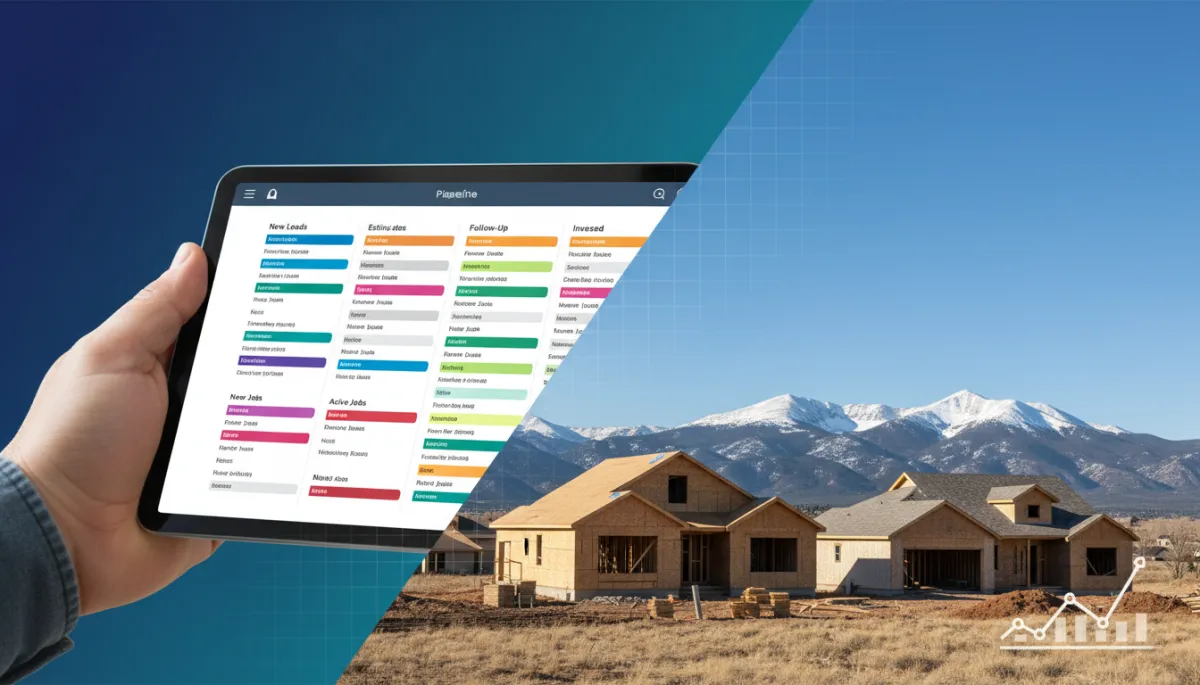
Instead of a long, flat list of jobs, a modern CRM shows your work as a visual pipeline. With IBP’s pipeline management tools, you can define stages such as:
New lead received
Estimate scheduled
Estimate sent / pending decision
Job scheduled / in progress
Job completed / invoice sent
Paid / review requested
Every job card moves through these stages, giving you and your team a quick, accurate view of how many active jobs you have, what is stuck, and where to focus today. No more hunting through old emails to figure out whether an estimate was actually sent or not — the status is visible at a glance.
Job tracking software for contractors who live in the field
Because most contractors are not sitting at a desk all day, job tracking software for contractors must work just as well on a phone as on a computer. IBP’s CRM tools are designed with mobile use in mind, so your estimators and crew leaders can update job notes, upload photos, and change pipeline stages directly from the field. That means your office staff and partners are always working from current information, not yesterday’s notes.
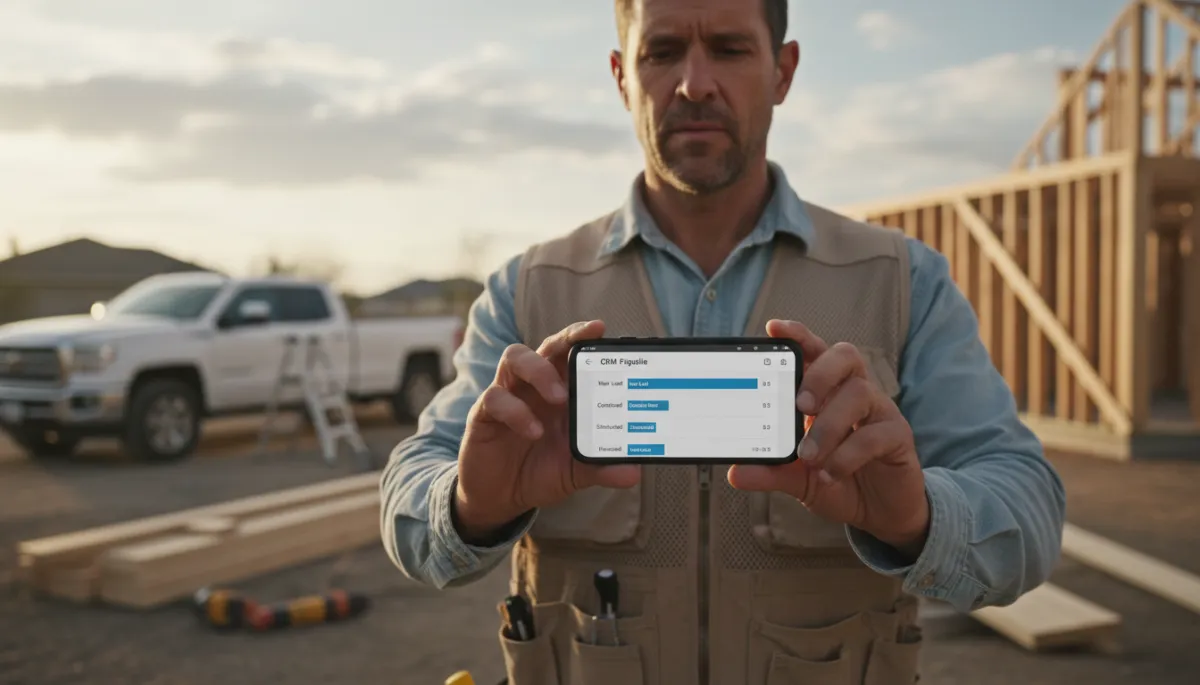
Real-time job updates from the field keep the whole team aligned and responsive.
How Does CRM Automation Prevent Missed Calls and Lost Follow-Ups?
Even with a well-organized pipeline, you still need to respond quickly when customers reach out. That is where automation — especially around calls and follow-ups — becomes a game changer. IBP’s missed call text back and AI follow-up tools are built to make sure interested customers never feel ignored, even when you are tied up on a job site or in a crawl space.
Automatic text replies to missed calls
When a prospect calls and you cannot answer, IBP automatically sends a professional text message within seconds, acknowledging the call and inviting them to reply with more details. That conversation flows straight into your CRM, where it is attached to a new or existing contact record. Instead of a cold voicemail box, your business feels responsive and on top of things — even while you are on a ladder or driving between jobs.
Automated reminders and AI follow-up sequences
Once a lead is in the system, automated reminders and AI-powered follow-up keep the conversation moving without requiring constant manual effort from you or your office. For example, IBP can:
Send a confirmation text and calendar invite when an estimate is scheduled.
Trigger a follow-up email and text 24–48 hours after an estimate is sent, asking if the customer has any questions.
Nudge customers who have not responded after a week with a friendly, personalized message written by AI and sent from your business number.
Remind customers of upcoming appointments, reducing no-shows and last-minute cancellations.
Instead of trying to remember who needs a follow-up each day, your CRM quietly handles the heavy lifting in the background. Your team only steps in when a customer replies or a decision is needed, which dramatically lowers the chance of a lead being forgotten or a job stalling out between stages.
How Can Contractors Grow Revenue Without Hiring More Office Staff?
Many contractors assume that the only way to handle more jobs is to add another office person. In reality, a well-implemented CRM and automation platform can give your existing team — or even a one-person office — the capacity of an entire back office. IBP’s Starter, Growth, and Pro tiers are structured specifically to help contractors scale operations without immediately adding payroll costs.
Eliminating repetitive manual tasks
Consider how much time your office spends on tasks like:
Calling back missed calls and voicemails
Manually sending appointment reminders and directions
Copying job details between systems or spreadsheets
Chasing down approvals and collecting final payments
With IBP’s CRM and pipeline automation, much of this can be handled automatically or with one-click actions. That frees your team to focus on higher-value work: building relationships, solving customer problems, and coordinating crews efficiently. You gain capacity without adding headcount — which directly improves profitability as revenue increases.
What Is the Real ROI of CRM and Pipeline Management for Contractors?
To understand the return on investment, it helps to look at both time saved and revenue protected. While every business is different, the numbers for a typical home service contractor running 20–40 active jobs are often compelling.
Hours saved per week
Missed call handling: If your office spends 30–60 minutes per day returning missed calls and playing phone tag, IBP’s missed call text back can cut that by half or more. That is 3–5 hours per week saved.
Manual follow-ups: Automating estimate follow-ups, appointment reminders, and review requests can easily save another 3–7 hours per week that would otherwise be spent sending individual messages and tracking who needs what.
Searching for information: With all job details, photos, and communications in one CRM, your team spends less time digging through emails, text threads, and paper notes — often reclaiming 1–2 hours per week per office or field manager.
Conservatively, many contractors see 8–15 hours per week of administrative time freed up once their CRM and automations are in place. Over a year, that is 400–750 hours — the equivalent of 10–18 full workweeks of extra capacity, without hiring.
Revenue protected and gained
If your CRM prevents just one lost $3,000 job per month by responding faster to leads, that is $36,000 per year protected.
If automated follow-up helps you close an extra 2–3 jobs per month at an average of $2,500, that is another $60,000–$90,000 per year in incremental revenue.
If better scheduling and reminders reduce no-shows and cancellations by even 10–20%, the impact on your monthly cash flow can be substantial.
Combined, it is realistic for a growing contractor to see a five-figure annual ROI from CRM and pipeline management alone — before counting the less tangible benefits like reduced stress, better customer reviews, and a more professional brand image.
What Does a Real-World CRM Transformation Look Like for a Colorado Contractor?
Consider a hypothetical but realistic example: a Colorado-based exterior remodeling contractor running between 25 and 40 active jobs at any given time across the Denver metro area. Before adopting IBP, the owner relied on a combination of Excel, whiteboards, and group texts to manage leads and projects. Missed calls during hail season were common, and estimates sometimes went out days late because the office was overwhelmed.
After implementing IBP’s Growth tier, they centralized all leads into one CRM, set up a clear pipeline from inspection request to paid invoice, and turned on missed call text back and AI-driven estimate follow-ups. Within three months:
Their close rate on insurance-related roof replacements increased by 12%, largely because prospects felt attended to faster and more consistently.
The office manager reported saving roughly 10 hours per week on call-backs and manual reminders, which were reinvested into coordinating crews and vendor orders.
The owner felt confident taking on an additional 5–8 jobs per month without adding another full-time office employee, because the system handled the follow-up and job tracking reliably.
While every market is different, this Colorado example illustrates the core outcome: with the right CRM for contractors, you can increase the number of active jobs you manage while decreasing the chaos and administrative strain on your team.
How Do You Get Started With Contractor Pipeline Management and CRM?
Moving from spreadsheets and text threads to a dedicated CRM does not have to be complicated. The key is to start with a clear, simple pipeline that matches how you already work, then let the software make that process more reliable and scalable. IBP’s Starter tier is designed for contractors who want to centralize leads and basic job tracking, while the Growth and Pro tiers add deeper automation, AI follow-up, and advanced reporting as your needs expand.
As you evaluate options, look for:
True pipeline visibility from lead to invoice, not just a contact list.
Mobile-friendly job tracking software for contractors so your field team actually uses it.
Automated communication features like missed call text back, appointment reminders, and AI follow-up sequences.
Contractor-focused workflows rather than generic CRM templates built for unrelated industries.
If you want to see what this looks like in practice, you can explore IBP’s CRM and automation tools at instantbusinesspro.ai, or dive directly into how missed call automation works at instantbusinesspro.ai/missed-call-text-back.
What Outcomes Can You Expect Once Your CRM Is in Place?
When you replace ad-hoc tools with a dedicated CRM and pipeline management system, the benefits show up quickly in day-to-day operations and long-term growth. Contractors who implement IBP and similar platforms consistently report:
No more dropped balls: Every lead, job, and follow-up is tracked in one place, with automated reminders backing up your team’s memory.
Higher close rates: Faster response times, consistent follow-up, and professional communication give you a clear edge over competitors still operating from voicemail and sticky notes.
More capacity without more staff: Automation handles repetitive tasks so your existing office team can support more active jobs and more revenue.
Better customer experience: Customers receive timely updates, reminders, and follow-ups, which translates into stronger reviews and more referrals.
Most importantly, you regain control. Instead of wondering what you might be missing, you can open your pipeline, see exactly where every job stands, and know that your system is working for you — not against you — as you scale.
What Is the Next Step If You Want Fewer Headaches and More Predictable Revenue?
If you are currently managing 10–50+ active jobs with a mix of spreadsheets, texts, and memory, you are carrying more risk — and leaving more money on the table — than you need to. A contractor-focused CRM like IBP can help you organize leads, track every job from estimate to invoice, automate follow-up, and grow revenue without immediately expanding your office payroll.
You do not have to overhaul everything overnight. Start by mapping your current process into a simple pipeline, turn on basic automations such as missed call text back and estimate follow-ups, and build from there. Within a few weeks, you will start to feel the difference — fewer fires to put out, fewer “did we ever send that quote?” conversations, and more confidence taking on additional work.
If you are curious how contractor pipeline management and CRM could look in your business, take a few minutes to explore the tools and workflows available through Instant Business Pro. A short conversation or demo today can set you up to manage your next busy season with fewer dropped balls and more predictable, profitable growth.
