How to Cut No-Shows in Half with Automated Appointment Reminders (Step by Step)
AI automation, appointment reminders contractors, no-show prevention contractor, automated reminders home service, contractor scheduling automation Colorado
How to Cut No-Shows in Half with Automated Appointment Reminders (Step by Step)
Every no-show costs you more than gas. For a Colorado HVAC or plumbing job, by the time you load the truck, drive 40 minutes, and sit in front of an empty driveway, you have burned 1 to 2 hours and easily $150 to $400 in lost productivity. Automated appointment reminders let you protect those hours, without adding one more thing to your plate once the system is set up.
Why contractors have more no-shows than most businesses
Homeowners are busy. Kids, work, doctor visits, and a dozen other things are pulling on them, so they forget appointments even when they like you and need the work done. Most contractors in Colorado only send one reminder, if they send any at all, so the homeowner’s calendar wins and your schedule loses.
Step 1: Know which appointments are highest no-show risk
Not every appointment needs the same level of follow up. Your highest no-show risk is estimates and first-time jobs, especially when the homeowner is price shopping three different contractors. Repeat customers, the folks who already trust your HVAC or plumbing work, are less likely to ghost you. Start by tagging estimates and first-time visits in your calendar so your automated reminders hit those harder and protect your most fragile slots.
Step 2: Build a two-touch reminder sequence
One reminder is not enough anymore. The system that works for Colorado home service contractors is a simple two-touch reminder sequence, 24 hours before the visit, then again 2 hours before you roll the truck. The 24-hour reminder gives them time to adjust work or kid schedules. The 2-hour reminder catches the “I totally forgot” crowd and gives them a clean way to confirm or reschedule before you waste the drive.
Step 3: Send reminders by text, not just email
Email is where coupons and newsletters go to die. Average email open rates sit around 20 percent, which means four out of five homeowners may never even see your reminder. Text message open rates are closer to 98 percent, because people live on their phones. When Instant Business Pro sets up automated reminders for contractors, the main channel is SMS, with email as a backup, so your appointment reminders are actually seen instead of buried in spam.
Step 4: Add a one-tap confirm or reschedule link
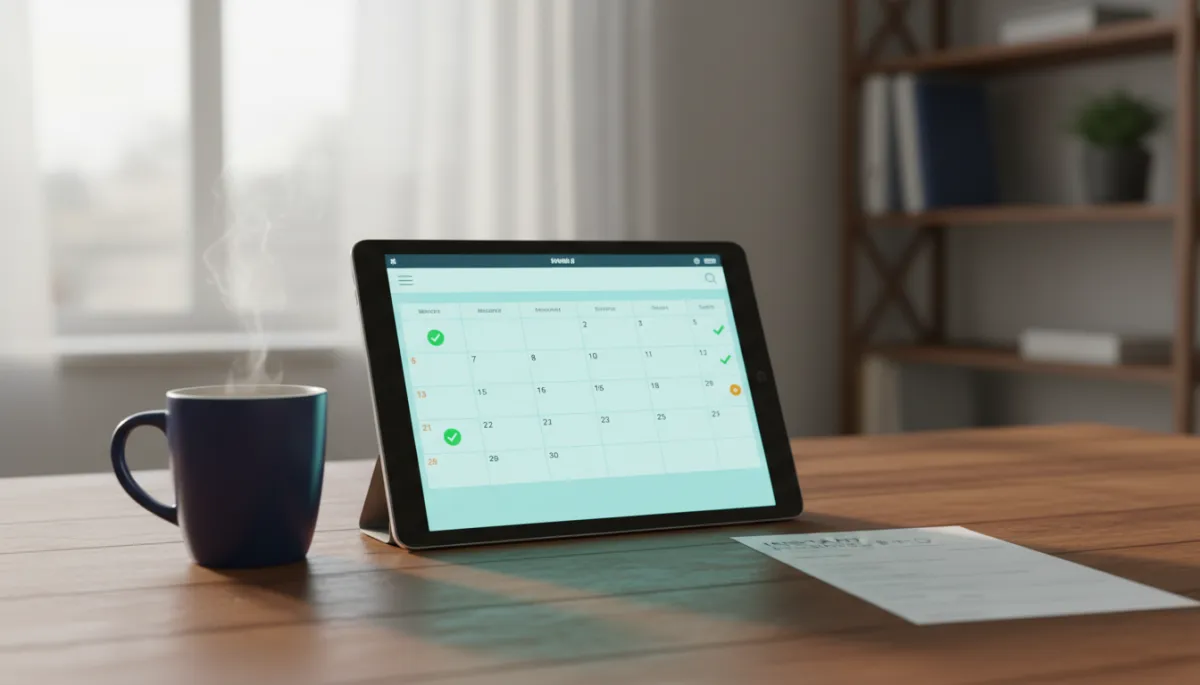
Here is the honest truth. Most homeowners do not want to call you back just to say, “Sorry, that time no longer works.” They feel awkward, so they do nothing, and you end up in front of an empty house. A one-tap confirm or reschedule link inside the text lets them respond in two seconds, no talking required. With Instant Business Pro, when they tap confirm, the calendar marks it green, and when they tap reschedule, it opens a simple screen to pick a new time without tying up your office line.
Step 5: Follow up immediately when someone does not confirm
The moment someone does not tap confirm, your system should not just shrug and hope. A quick follow up text that says, “Hey, this is Austin with Instant Business Pro helping on your schedule, does 3 pm tomorrow still work for your water heater visit?” saves a lot of dead trips. This is the same idea as a missed call text-back, you are catching them while the job is still on their mind. Most of the time they either confirm right then or tell you to move it, which is way better than hearing nothing and burning an afternoon.
Step 6: Track your no-show rate monthly and adjust timing if needed
You cannot improve what you never measure. At least once a month, look at how many appointments were on the books versus how many turned into true no-shows. With contractor scheduling automation Colorado shops using Instant Business Pro often see that simple tracking cuts no-shows because they start paying attention. If you still see gaps, tweak the timing, maybe move the 24-hour reminder to early evening when folks are home, or add a same-morning text for afternoon slots until your numbers look solid.
How much time does this take to set up?
Most contractors I work with in Elizabeth and across Colorado have this whole appointment reminder system configured in one afternoon. We plug your calendar into Instant Business Pro’s Tier 2 system, set the two-touch reminder timing, and add your confirm and reschedule links. After that, it just runs, every new estimate or job gets the same consistent treatment, and you do not have to remember to send anything. It is like hiring a part-time office manager who never forgets and never takes a day off, for far less than the cost of one missed job a week.
Wrapping it up
No-shows are not just annoying, they quietly drain real profit from your shop. A simple system of automated appointment reminders, sent by text, with one-tap confirm and reschedule, can cut those no-shows in half without asking you or your techs to remember one more thing. If you want to see what this setup looks like inside your own calendar and pipeline, and how it ties into the full lead journey from first call to review, you can reach out and we will walk through it together, no pressure.
Frequently Asked Questions
1. What is the best way to send appointment reminders to homeowners?
The best way for contractors to send appointment reminders is by text message, with email as a backup. Texts get opened about 98 percent of the time, while email sits closer to 20 percent, so SMS gives you the best shot at being seen. A tool like Instant Business Pro can send both automatically so you are covered without extra work from your office.
2. How far in advance should contractors send a reminder?
For most home service work, a two-touch schedule works best, one reminder 24 hours before the visit and another 2 hours before arrival. The day-before reminder lets them plan around work and kids, and the two-hour reminder catches last minute conflicts while you still have time to adjust your route. This timing has worked well for HVAC, plumbing, and other trades we support in Colorado.
3. What happens if a homeowner does not respond to a reminder?
If a homeowner does not respond, your system should automatically send a short follow up text asking if the time still works. If they confirm, you are good, if they say no, you reschedule before you waste the drive. With Instant Business Pro, that follow up is baked in, just like a missed call text-back, so nobody falls through the cracks quietly.
