How to Set Up Missed Call Text Back for Your Contracting Business (Step by Step)
How To, Contractor Automation, Missed Call Text-Back
How to Set Up Missed Call Text Back for Your Contracting Business (Step by Step)
Missed call text-back is a simple system that automatically sends a text to a homeowner any time you miss their call, so you can grab the lead before they dial the next contractor. To get it running, you connect software to your business line, write a short human message, then test it so every missed call turns into a text conversation instead of lost money.
Before we get into the steps, here is the quick picture. A homeowner calls, you are on a roof or under a sink, you miss it, and within a few seconds they get a friendly text from your business. They reply with what they need, you call or text back when you are free, and that lead never slips away.
What you need before you start
You only need a few basics to set this up. First, you need an active business phone number that your customers already call, whether it is a cell, VoIP line, or office line. Second, you need a missed call text-back platform, like the Tier 1 system from Instant Business Pro, which runs at $197 per month and is built for contractors, not tech people. Last, you should have one or two simple reply messages in mind so you are not staring at a blank screen when you get to that step.
1. Pick the right missed call text-back system for your trade
Not every tool is built for contractors, and you do not want something that feels like a tech project. Look for a missed call text-back system that already understands plumbing, HVAC, roofing, and other trades, so you get templates and wording that fit real jobs. With Instant Business Pro’s Tier 1 plan, you get missed call text-back, basic AI for contractors, and reporting in one place, without needing a full-time office manager. The key is simple pricing, clear support, and no long-term contract, so you can try it during your next busy season and see how many contractor missed calls it saves.
2. Connect it to your existing business phone number
Once you pick a system, you connect it to the number that already lives on your trucks, yard signs, and Google Business Profile. Most Colorado contractors either forward calls through a tracking number or use a small change in their phone routing, which your provider or Instant Business Pro support can walk you through in a few minutes. You are not changing your number, you are just letting the software see when a call comes in and when it goes unanswered, so it can fire off that text. This part usually takes ten to fifteen minutes, and once it is done you can forget about the wiring and just focus on the conversations.
3. Write your first auto-response message (keep it human)
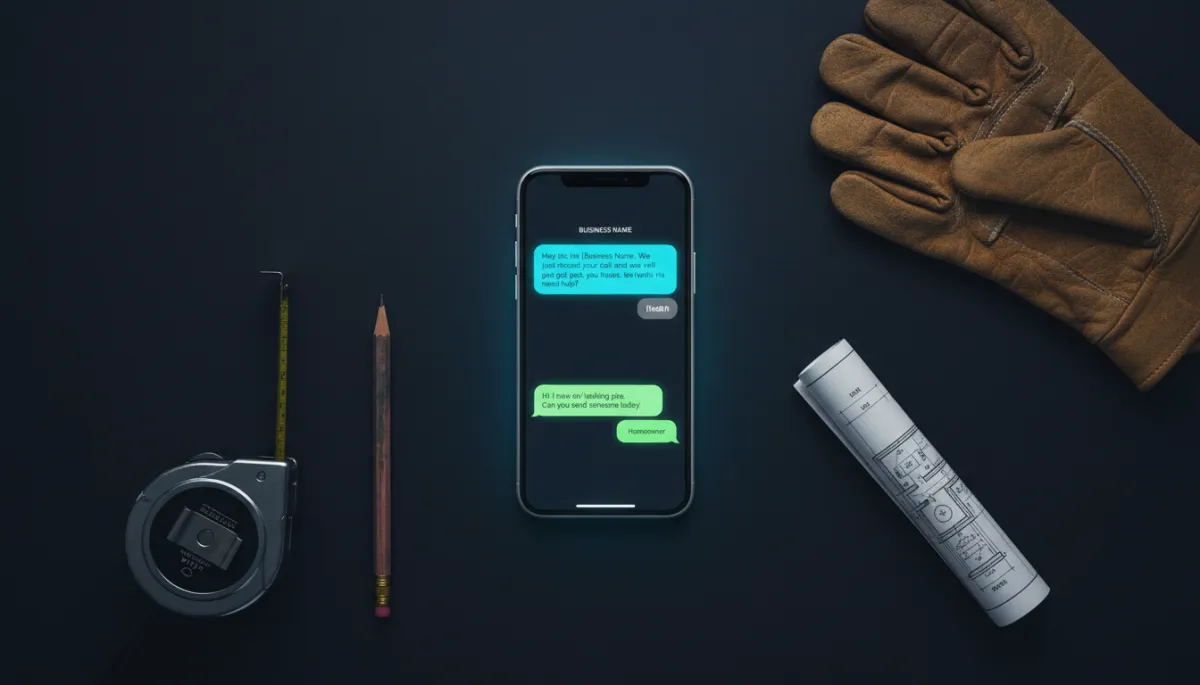
The message is where a lot of systems feel robotic, and that is where homeowners bail. You want it to sound like you, not like a call center, and it should set a clear expectation. A simple starter that works well is, “Hey, this is [Business Name]. We just missed your call and we will get back to you within the hour. What do you need help with?” You can tweak the time window to match your reality, but do not promise five minutes if you are on a roof in Colorado Springs all afternoon, because that breaks trust fast.
4. Set your coverage window — after-hours only or all day
Next, you choose when the system should kick in. Some contractors only want missed call text-back running after 5 p.m. and on weekends, others want it on 24/7 so every single missed call gets a text, even during the workday. There is no wrong answer here, it depends on your crew size, your office coverage, and how busy your phone is. Colorado contractors see heavy spikes during peak seasons, like HVAC in summer and plumbing in winter, so at minimum I would turn it on all day during those months so you are not leaking calls when your schedule is already packed.
5. Test it with a real call before going live
Before you trust this with real homeowners, you want to hit it with a test call. Use your personal cell or have a buddy call your business line, let it ring through, and do not answer so you can see exactly what happens. Within a few seconds, they should get your auto-reply, and you can make sure the wording, timing, and from-number all look right. This whole test takes about five minutes, and it is the difference between feeling nervous and knowing the system is doing exactly what you expect when you are on a jobsite in northern Colorado with your hands full.
6. Review your response rate and adjust monthly
After it is live, the real work is just checking in once a month to see how it is doing. Your dashboard should show how many missed calls turned into text conversations, how many of those became booked jobs, and roughly how much missed calls cost your business before you had this in place. If people are not replying, you can tweak the wording, the promised response time, or your coverage window until it fits your reality. Instant Business Pro clients often see that a small change in that first sentence can bump response rates by ten to twenty percent, which adds up fast over a season.
How long does setup actually take?
If you have your phone account login handy and you know which number you want to use, most contractors are fully live in under an hour. Connecting the number and testing usually take the longest, twenty to thirty minutes, and the rest is writing that first message and choosing your hours. It is not zero effort, you will click a few buttons and maybe talk to support, but this is not a week-long project that drags you off the jobsite. For most crews in Colorado, doing this once, before peak season hits, is worth it compared to guessing about what happens when you miss a call at 7 p.m. on a busy night.
Frequently Asked Questions
1. Does missed call text-back work for all contractor trades?
Yes, it works for pretty much any home service trade, including plumbing, HVAC, roofing, electrical, landscaping, and painting. The details in the message might change, but the pattern is the same, someone calls with a problem, you miss it, and the system turns that missed call into a text conversation instead of a dead end. As long as your customers use phones, which they do, this fits your business.
2. Will homeowners know it is automated?
They will know if it sounds stiff and robotic, they will not care if it sounds like a real person and helps them quickly. When the message is short, clear, and honest about response time, most homeowners just feel relieved that someone acknowledged them right away. If you want to be extra clear, you can add a line like “This is our automated assistant” but most contractors do not need to, because the experience is what matters.
3. What should my first auto-reply message say?
Start simple and honest. A solid first version is, “Hey, this is [Business Name]. We just missed your call and we will get back to you within the hour. What do you need help with?” That line tells them who you are, that you saw their call, when they can expect a response, and invites them to share the problem so you can prep before you call back.
Related Reading
What Happens When a Colorado Contractor Misses a Call After Hours?
The Real Cost of Missed Calls for Contractors in 2026: $45K–$120K Lost Annually
AI vs. Answering Service vs. Hiring a Receptionist: The Real Cost Comparison
If you want help getting this wired up without losing a day on the phone, you can reach out to the team at Instant Business Pro in Elizabeth, Colorado, and we can walk you through it step by step. Whether you work solo or run a full crew, missed call text-back is one of those small systems that quietly protects your revenue every single day.
